👤 Create Staff #
Click this button to add a new staff member to this branch.
You’ll be able to enter their details, assign roles, and set permissions based on their responsibilities.
Keep your team organized and properly managed from one place.
🏢 Edit Branch Details
Click this button to update information about this branch.
You can modify the branch name, address, contact details, or other relevant settings to keep your records accurate and up to date.
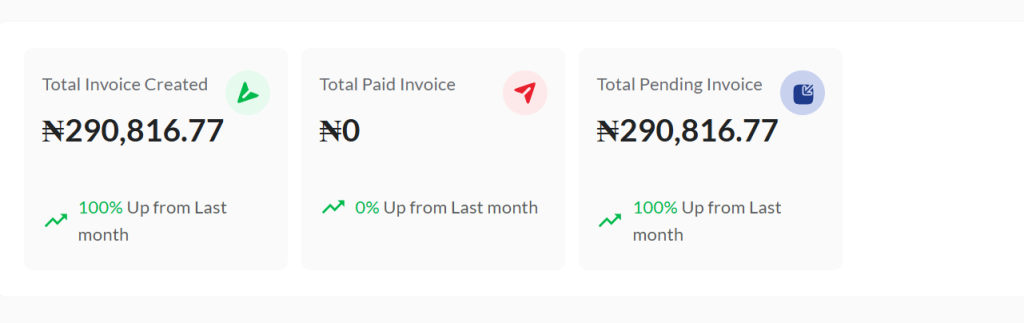
🧾 Invoice Summary #
This section provides a comprehensive overview of all invoices related to this branch.
It displays the total number of invoices issued, along with a breakdown of those that are paid, pending, or overdue.
Use this summary to quickly monitor the financial status of the branch, track payments, and ensure proper billing and collections are in place for smooth operations.

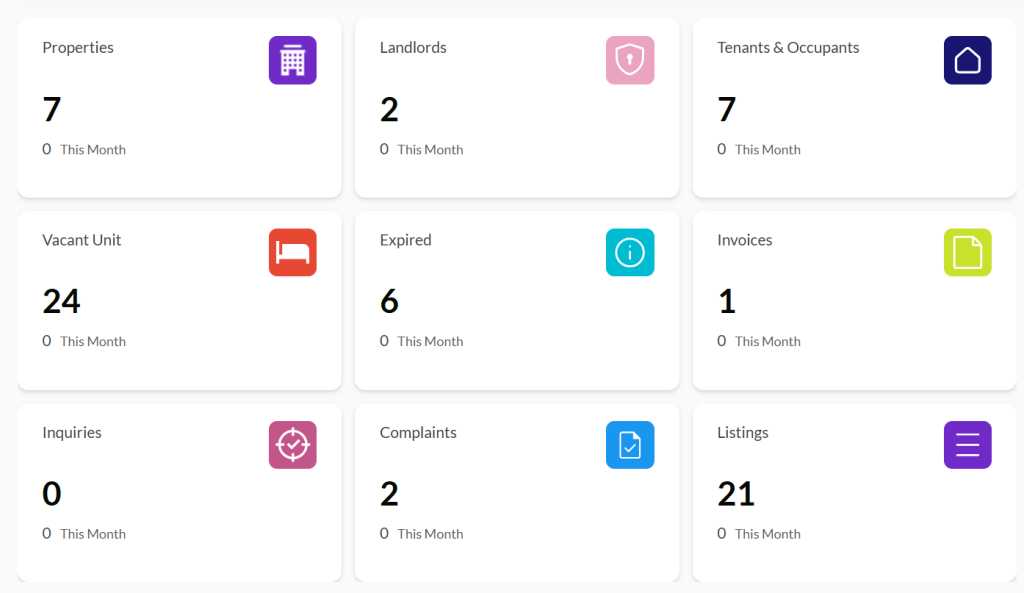
The Branch Summary Card gives you a quick snapshot of key activities and performance metrics for this branch.
These cards help you monitor operations at a glance, stay informed on every progress, and make faster, smarter decisions for branch-level management.
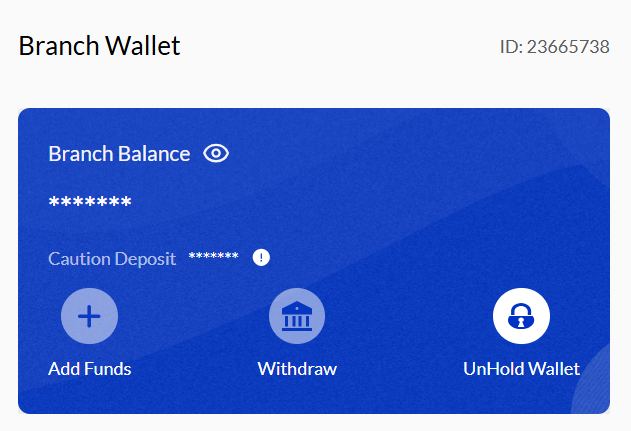
The Branch Wallet Card provides a real-time overview of the branch’s financial status, including its current wallet balance and recent transaction history.
🔒 You also have the option to hold the branch wallet, so that all transactions from this branch are automatically redirected to the main company wallet for centralized control.
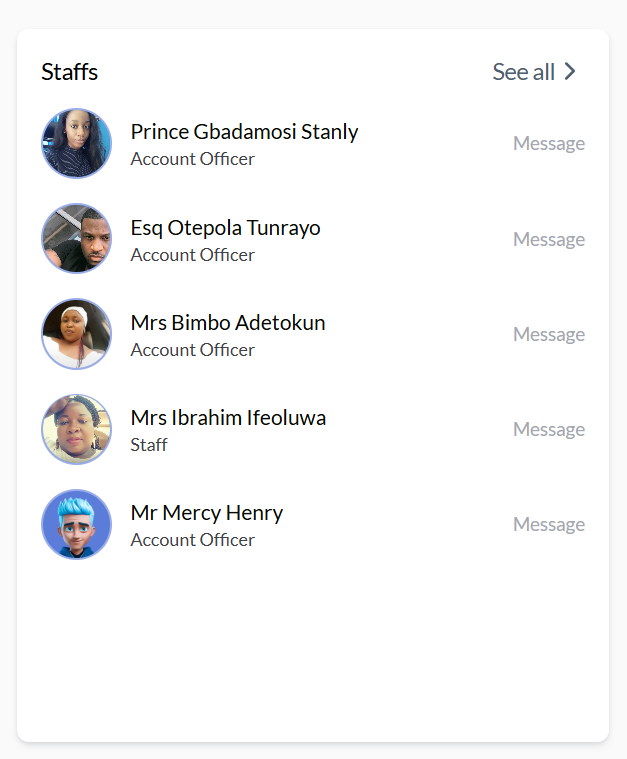
👥 Staff Summary Card #
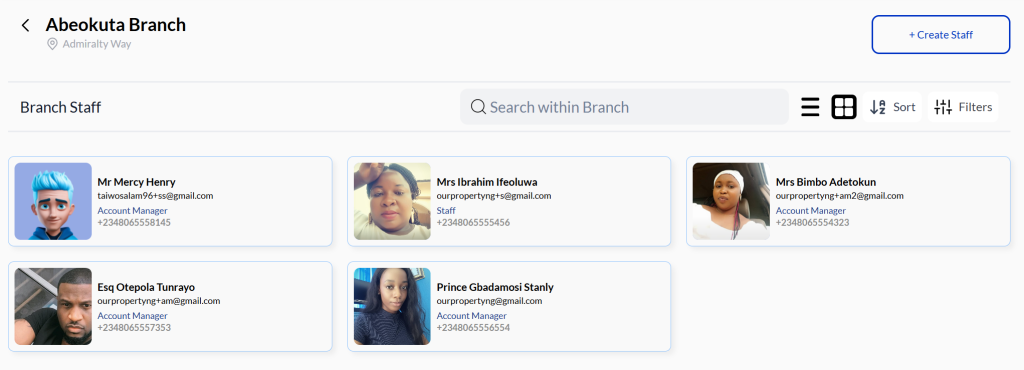
The Staff Summary Card provides a quick overview of all staff members assigned to this branch, allowing you to access their profiles or send messages with a single click.
Use the “See All” button to view the full staff list in detail and monitor their activities across the company’s platforms.
It ensures that the right people are in place, helping your branch run smoothly and efficiently.
The Wallet Analysis Card provides a comprehensive snapshot of the branch’s financial performance over time, displayed in a clear and visual chart format.
It helps branch managers and administrators to: Analyze financial health and Track cash flow trends.
The Branch Activities Card provides a real-time overview of all recent actions and operational updates within the branch.
It enables branch managers and administrators to monitor day-to-day activities, track operational flow, and identify key updates made by staff, ensuring transparency and smooth coordination across all tasks.

💳 Recent Transactions #
The Recent Transactions section provides a real-time view of the latest financial activities within the branch wallet.
You’ll see key details including:
🔄 Date and time of each transaction
💰 Amount Received or Spent
🧾 Transaction type (Deposit, Withdrawal, Transfer, etc.)
🧑💼 Initiated by (Staff or Client)
Click the “See All” button to view the full transaction history and track all financial movements within the branch.


