👋 Welcome to Disbursement #
Here, you can manage, record, and track all fund disbursements made by your company toward property management expenses or payment release to the landlord.
Property Selection Overview
Choose the property where the disbursement payment will be recorded. This links the transaction directly to the selected property and its units, ensuring accurate and traceable financial reporting.
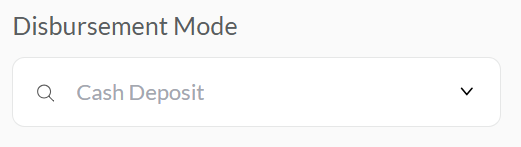
Select Disbursement Method #
Use this dropdown to choose the method of disbursement used for the payment. Selecting the correct disbursement method ensures accurate financial records and helps in future audits or reconciliations.
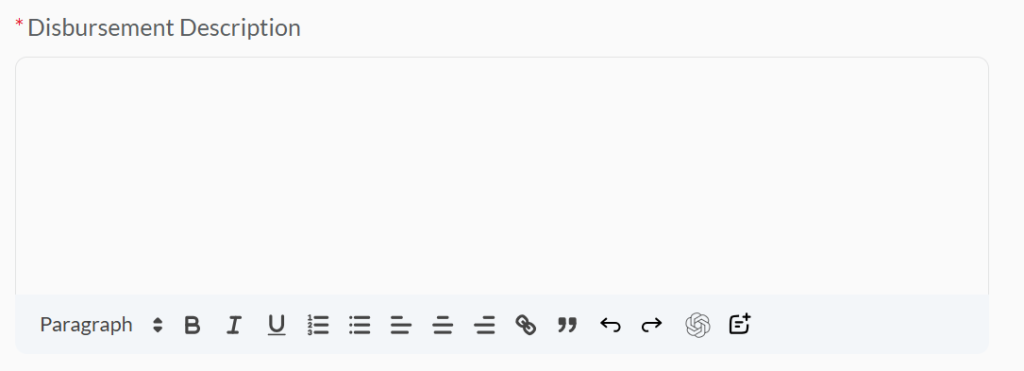
Expenses Details #
Provide clear and accurate information for each expense you are recording. This ensures full transparency and accurate tracking in your property’s financial records.

Add Property Disbursement #
Click this option to add an expense entry to the disbursement record for the selected property.
You can use this option to add multiple expense records, ensuring all property-related costs are captured accurately in one disbursement session.

Add Unit Disbursement #
Use this option to record a disbursement tied to a specific unit within the selected property: Select the unit name or number, expense details, and amount.
Use Add Unit Disbursement when a specific unit within a property incurs its own costs.

Create Button #
Click this button to finalize and save all disbursement entries you’ve added: It will store the recorded expenses for the selected property or unit.


