Once your company account is set up and approved, your first login will take you directly to the Company Dashboard. From there, you can access and switch between all modules available to your company.
To streamline your workflow, you can set a specific module to open automatically each time you log in. This is called the Default Module, and it ensures quick access to the tools you use most.
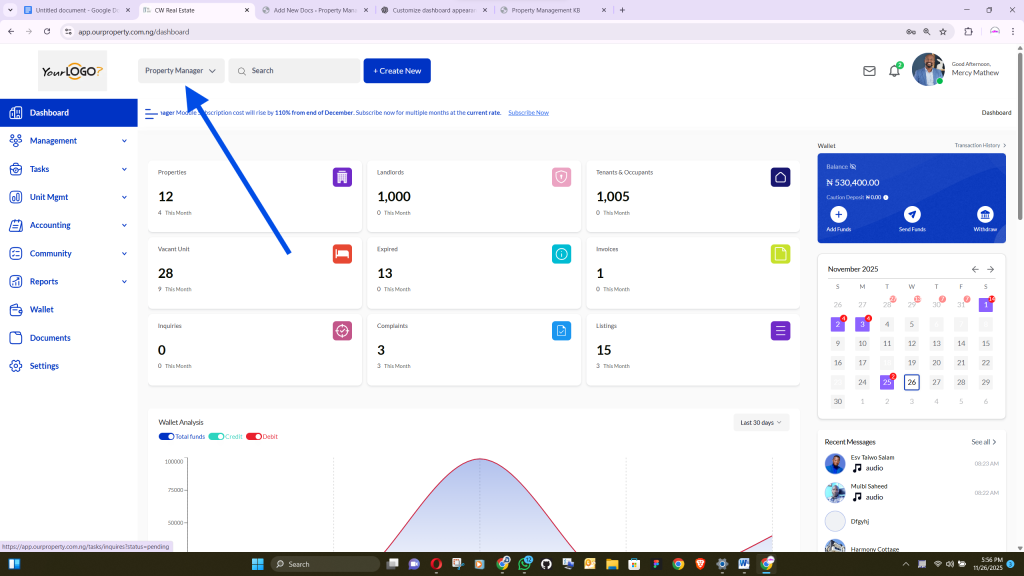
How to Set Your Default Module #
- Go to Settings from the left-side menu.
- Click on Order.
- In the Company Default Module section, locate the Default Module option.
- Select the module you want to load first whenever you log into your dashboard.
- Save your changes.
Once set, your chosen module will appear automatically at the top of your workflow on every login, helping you work more efficiently and access your most-used tools quickly.


