The Settings Module allows you to manage core configuration options for your company, including directors, communication preferences, notifications, and system defaults. This section helps you keep your account organized, secure, and customized for your team.
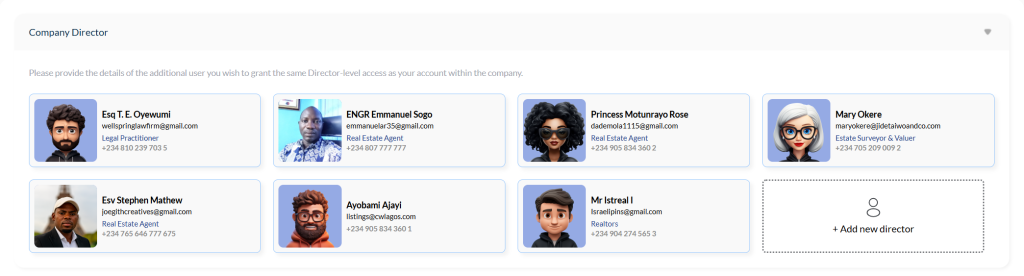
Company Directors #
In this section, you can add, remove, or manage company directors.
Directors have almost the same level of access as the company owner.
However, you can restrict their permissions in the Management Configuration section if needed.
Use this feature carefully and assign the director role only to trusted individuals.
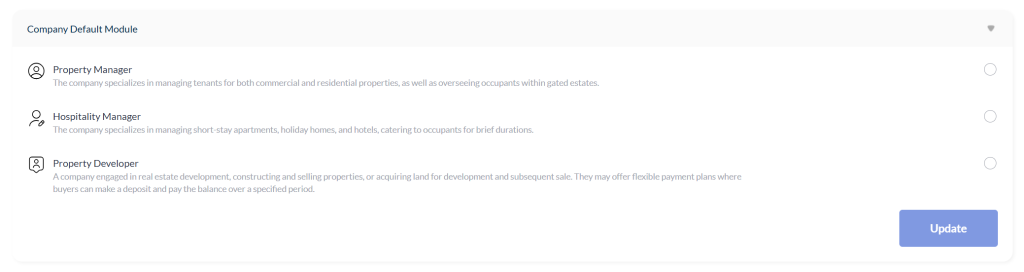
Default Module #
The Default Module determines which dashboard screen loads first whenever you or your staff log in.
- Choose the module you want to appear by default
- Save your changes
Once updated, this default view will apply across all devices and browsers for every staff member.
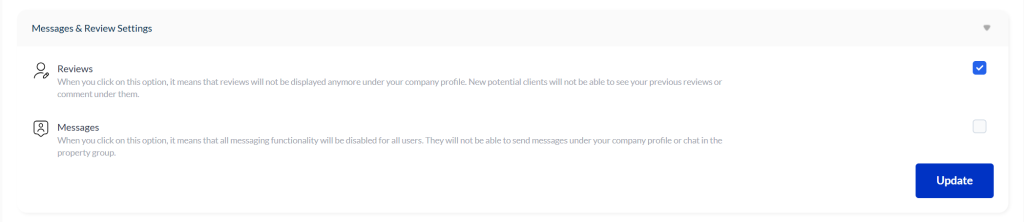
Reviews & Messaging #
This section allows you to control communication features available within your company.
You can toggle:
- Reviews – Allow or disable clients from submitting reviews for your company
- Messages – Enable or disable internal messaging between clients and staff
Simply switch each setting ON or OFF depending on your preference.
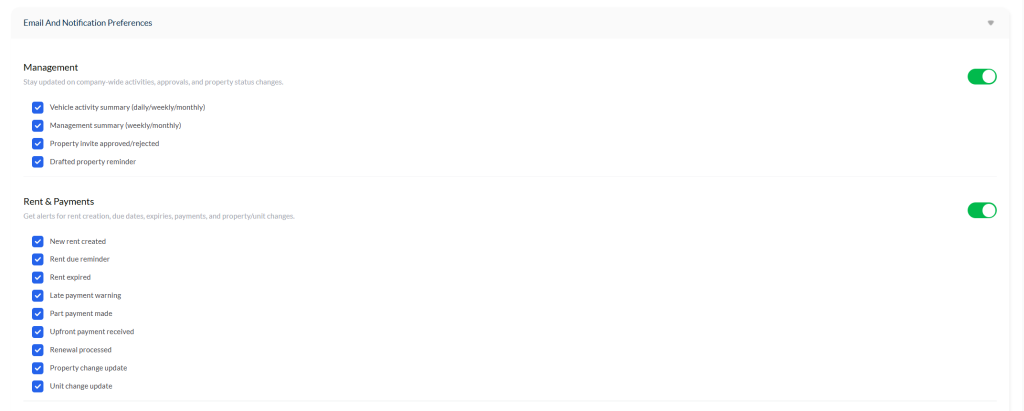
Notification Settings #
In the Notification Preferences section, you can decide which alerts you want to receive.
- Turning off the main switch disables all notifications
- After disabling, you can selectively enable only the notification types you want
- Click Update to save your preferences
This gives you full control over how and when you receive system alerts.
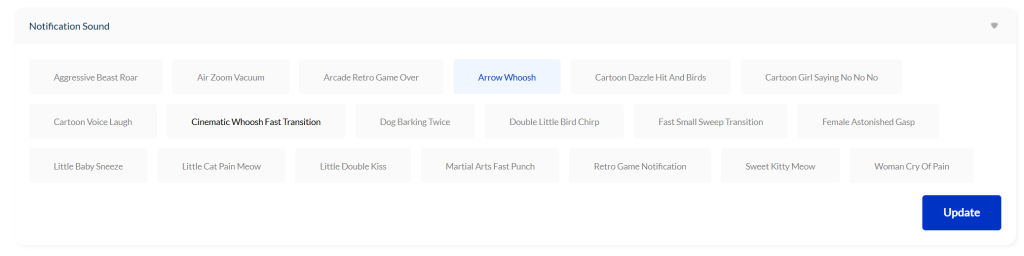
Notification Sounds #
You can personalize the sound used for your alerts and messages.
This setting applies to:
- The web dashboard
- Mobile app
- Desktop software
Select the notification tone you prefer, click Update, and it will play whenever a new message or alert is received.
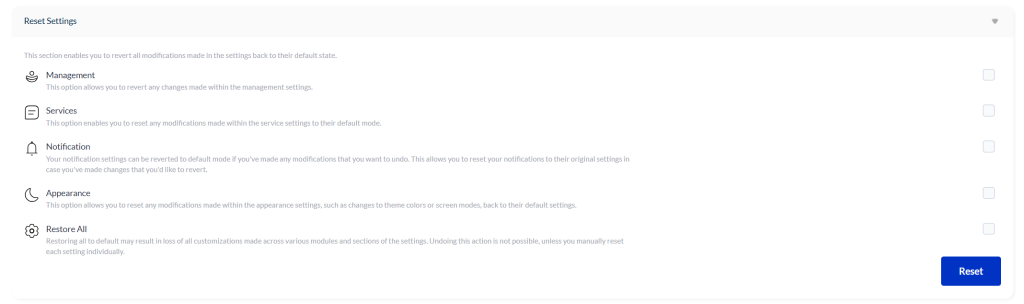
Reset & Restore #
If you make too many changes or want to return everything to the original settings, you have two options:
- Reset – Resets only the selected section (e.g., Management)
- Restore All – Resets your entire settings module to the system default, just as it was when you first created your account
Click Restore All, confirm, and all settings will return to their original state.
Conclusion #
The Settings Module gives you complete control over your company’s permissions, notifications, communication tools, and dashboard experience.
Use these options to maintain a secure, organized, and highly customized system for your team.


