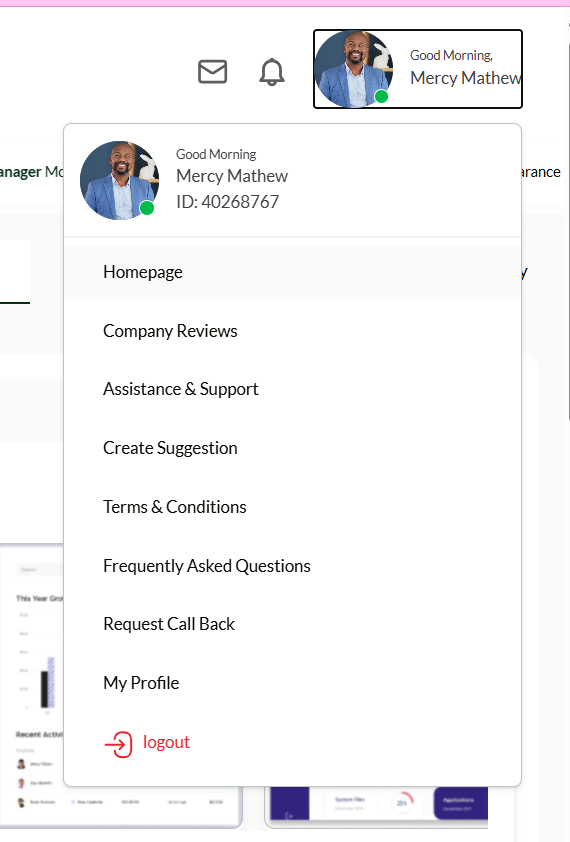
After updating your services, you can easily confirm the changes on your public listing website. Follow the steps below:
- Login To Your Company Dashboard
- Click your profile icon at the top-right corner of your dashboard.
- Select Homepage to open your company listing website.
- Check the “Our Services ” Section
- Once the website loads, scroll down to the Our Services section to view all the services you selected.
- View Services from the Footer
- Scroll to the footer section of the page.
- Click on Services & Contact Page to see a full list of your selected services.
- View Services from the Header Menu
- From the website header menu, click Service to view all the services displayed on your website.


