Service Selection Guide #
The Services feature allows your company to select and showcase the services you offer. These selected services will appear on your company listing website, inside the mobile app, and in certain company-generated documents.
To ensure accuracy and proper display, please read the following guidelines carefully:
How Service Selection Works #
- You can choose services that reflect what your company offers.
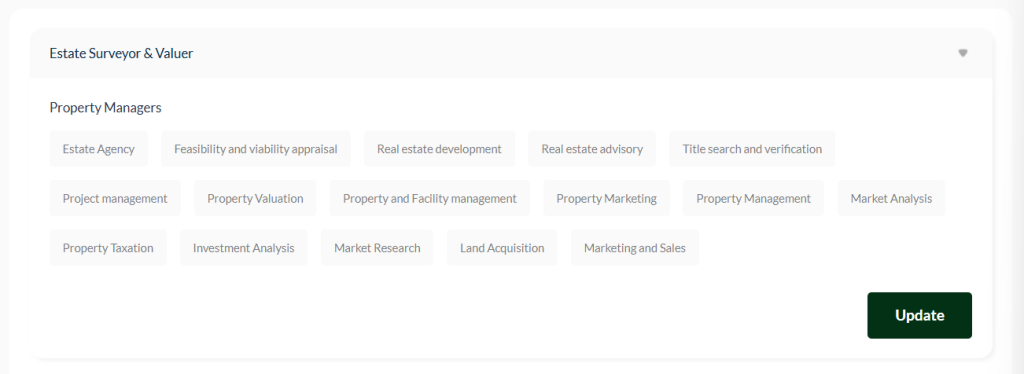
- Each category contains different service sections, and you may select up to four (4) services per section.
- After making your selections in a section, always click Update to save your changes.
- Once saved, an acknowledgement email will be sent to your company’s registered email confirming your update.
Where Your Selected Services Appear #
- On your company website, the full service details will be displayed.
- On the mobile app, only the service names you selected will appear for quick viewing.
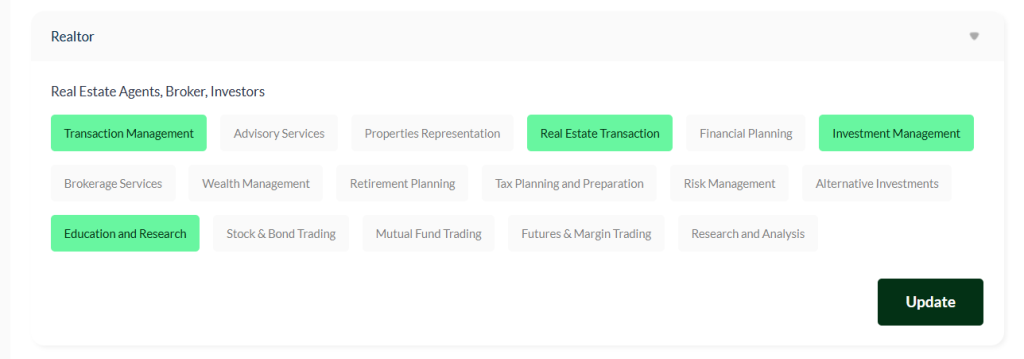
- By default, no service is selected. Once you click on any service, it will be highlighted, indicating your choice.
How to Select or Unselect a Service #
- Click a service to select it – it will highlight immediately.
- To remove a service, simply click it again to unhighlight it.
- Whether selecting or unselecting, always click Update in that specific section to save your changes.
Important Reminder #
If you select or unselect any service but do not click the Update button in any section, your changes will not be saved.


