👋 Welcome to Create Announcement #
Here, you can create and publish announcements or blog posts to your website domain. You can also share important updates directly with all occupants or tenants in a specific branch or property unit.
🏢 Branch Selection
Use this field to choose the specific branch where your announcement or action should apply.
Selecting a branch ensures the message is sent only to tenants, occupants, or units linked to that branch.
📢 Note: If no branch is selected, your announcement will be sent to all tenants and occupants company-wide, and it will also be published on your company website’s blog page automatically.
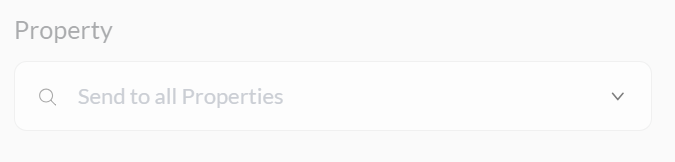
🏠 Property Selection #
Use this field to select a specific property or unit where the announcement should be sent. The dropdown list will automatically show properties based on the branch you selected.
This ensures that only tenants or occupants connected to that property receive the message.
📌 Note: If no property is selected, the announcement will be sent to all properties within the selected branch only.

📝 Title Input #
Enter a clear and descriptive title for your announcement or blog post.
- This will appear as the headline to tenants, occupants, or on your website (if published).
- Keep it short, relevant, and easy to understand (e.g., “Power Outage Notice,” “New Payment Portal,” or “Community Cleanup Day”).
A well-written title helps your message stand out and ensures your audience immediately understands the topic.
🖊️ Description Input #
Use this field to enter the main content of your announcement or blog post.
- Clearly explain the purpose, details, and any important instructions.
- You can include dates, times, contact info, or next steps where necessary.
- Keep your message clear and relevant to the selected audience (tenants, occupants, or website visitors).
A well-written description ensures your audience fully understands the message and what actions, if any, they need to take.
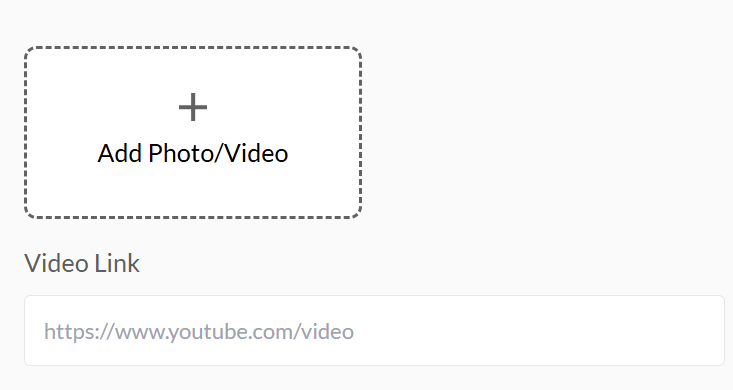
📷 Picture or Video Link Selection #
Use this section to add a picture or video link to support your announcement or blog post.
- Upload a picture to visually represent the message (e.g., event flyers, notices, illustrations).
- Or, paste a video link (e.g., from YouTube) to provide additional context or engagement.
- You can use either one or both depending on the content you’re sharing.
Adding visuals helps grab attention, improve clarity, and enhance communication with tenants, occupants, or website visitors.
➕ Create Button #
Click this button to publish and save your new announcement or blog post.
- Your message will be sent to the selected branch, property, or company-wide audience based on your settings.
- It will also appear on the company website blog page if applicable.
- Ensure all required fields (title, description, Picture) are filled before clicking.
✅ Use the Create button to officially share your message and keep everyone informed.


